You park your electric scooter in the garage or a shared bike store, and one question nags at you: did I lock it? A connected electric scooter app answers that in seconds. Everything happens on your phone, so there is no need to walk back and check. The isinwheel app makes every ride safer, clearer and easier to follow. It shows your speed, remaining battery and riding stats, and it lets you lock the motor remotely.
This guide explains how the app works with the isinwheel S9 Adult Electric Scooter, from pairing to trip tracking. One quick note first: in the UK, a privately owned electric scooter may only be ridden on private land with the owner's permission.
What Does a Connected Electric Scooter App Do?
An electric scooter mobile app is far more than a gimmick. Think of it as a second dashboard that lives in your pocket. Instead of relying only on the small display on the handlebar, you can check your battery level, ride history and recent activity from your phone.
The link usually runs over Bluetooth, and it covers three main jobs. First, it protects your electric scooter against theft and unauthorised use. Next, it lets you change speed modes to suit the moment. Finally, it helps you understand your riding habits through clear data from each outing.
If you ride one of our isinwheel electric scooters for adults regularly on private land, these features answer real needs. They give you control, security and comfort. That is also why the full isinwheel electric scooter range leans so heavily on connectivity.
How to Pair a Bluetooth Connected Electric Scooter with the isinwheel App
Pairing takes only a few minutes if you follow the steps in order. Here is how to do it:
- Download the official app from the App Store on iPhone or from Google Play on Android.
- Switch on Bluetooth in your phone settings before you try to pair.
- Turn on your electric scooter, and activate its Bluetooth too if your model needs it.
- Open the isinwheel app and search for nearby devices. Keep your electric scooter switched on and within a few feet.
- Select your electric scooter from the list and confirm. A Connected status appears once pairing works.
If pairing fails, our guide on how to activate Bluetooth on an electric scooter covers the most common causes and quick fixes. The step by step guide to connecting an electric scooter to its app adds tips for iPhone users. Once you are connected, the app shows your current speed, remaining range and distance covered. That live data makes electric scooter trip tracking simple from your very first ride.
What You Can Do with the isinwheel Electric Scooter Mobile App
After pairing, the app unlocks features that make each ride easier to follow and safer to leave behind. Here are the main ones, shown on the S9, our lightweight folding model.
App Scooter Lock, Trip Tracking and Navigation on the isinwheel S9
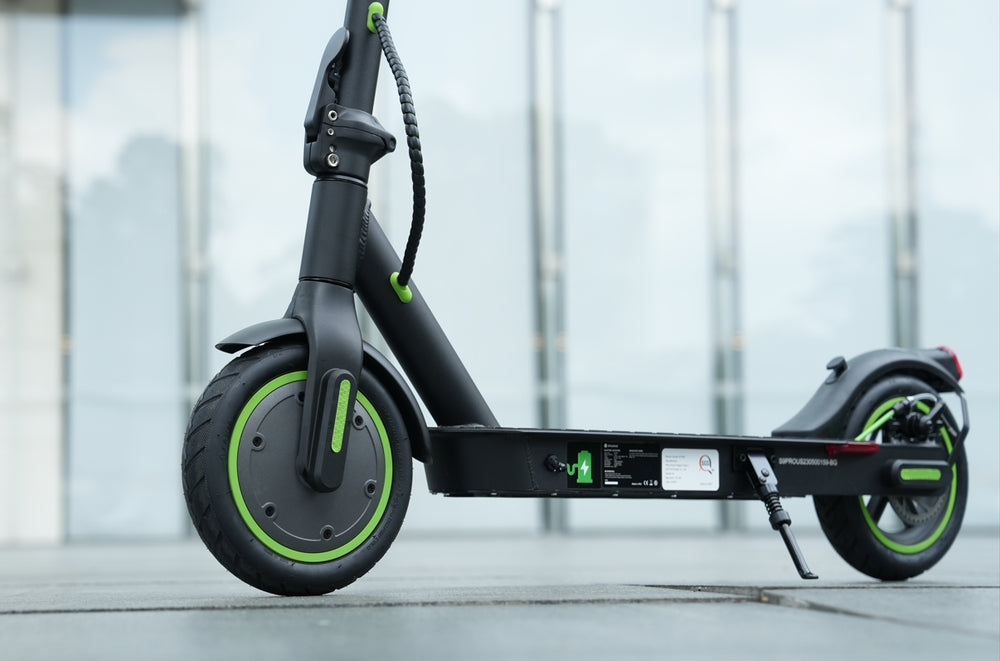
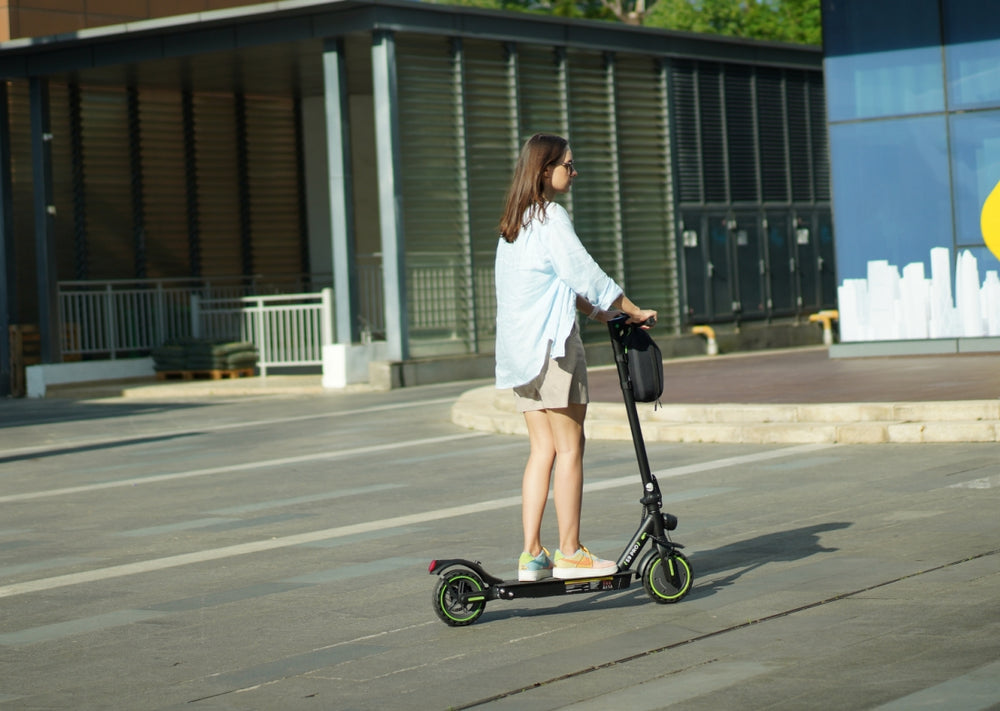
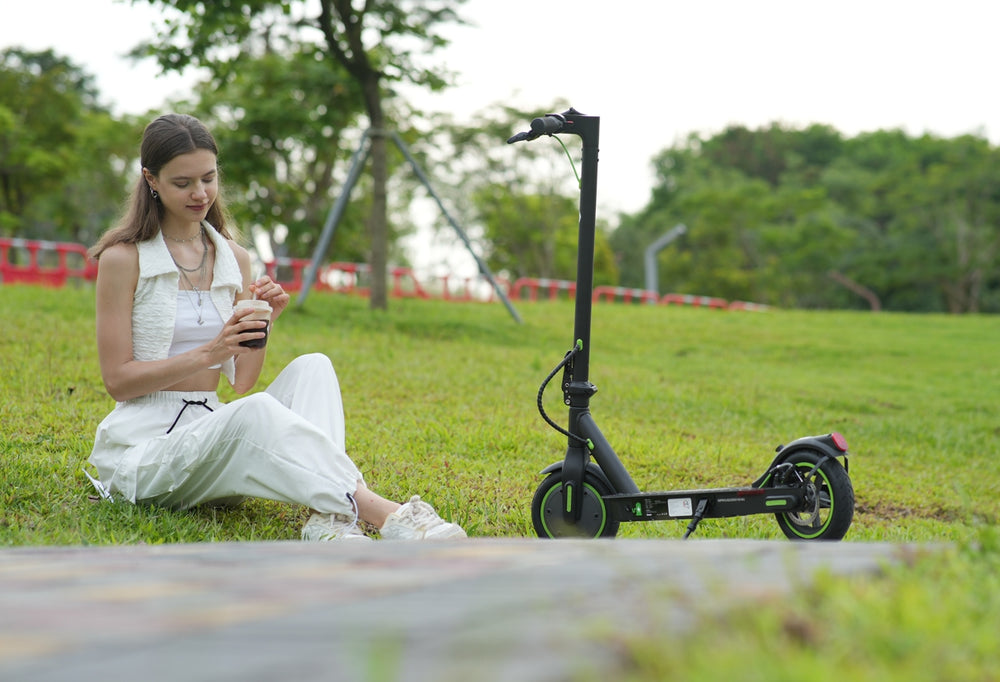
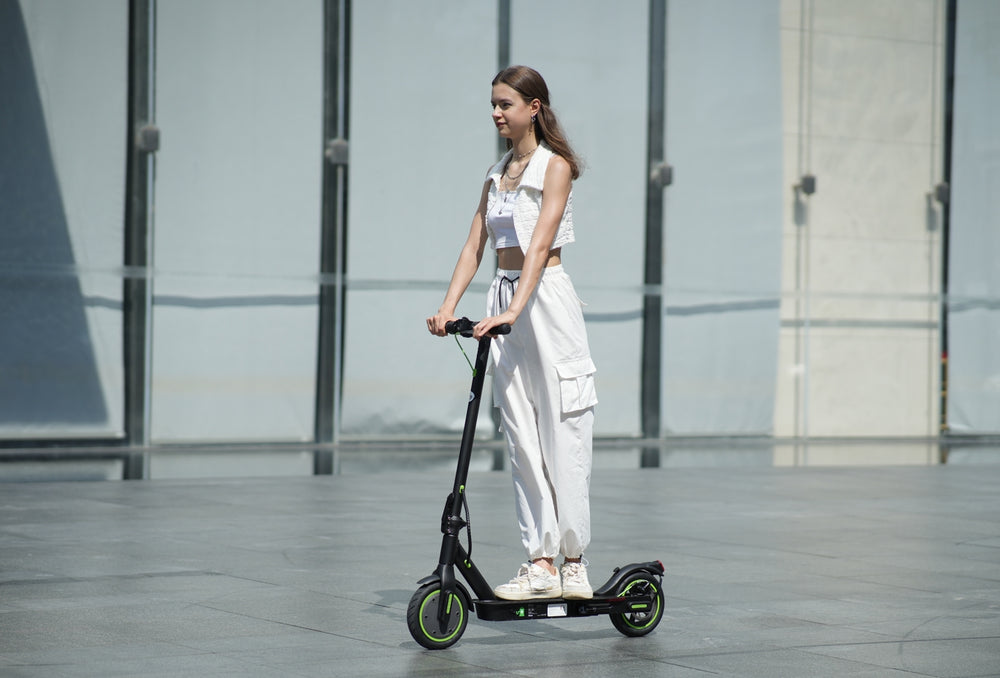
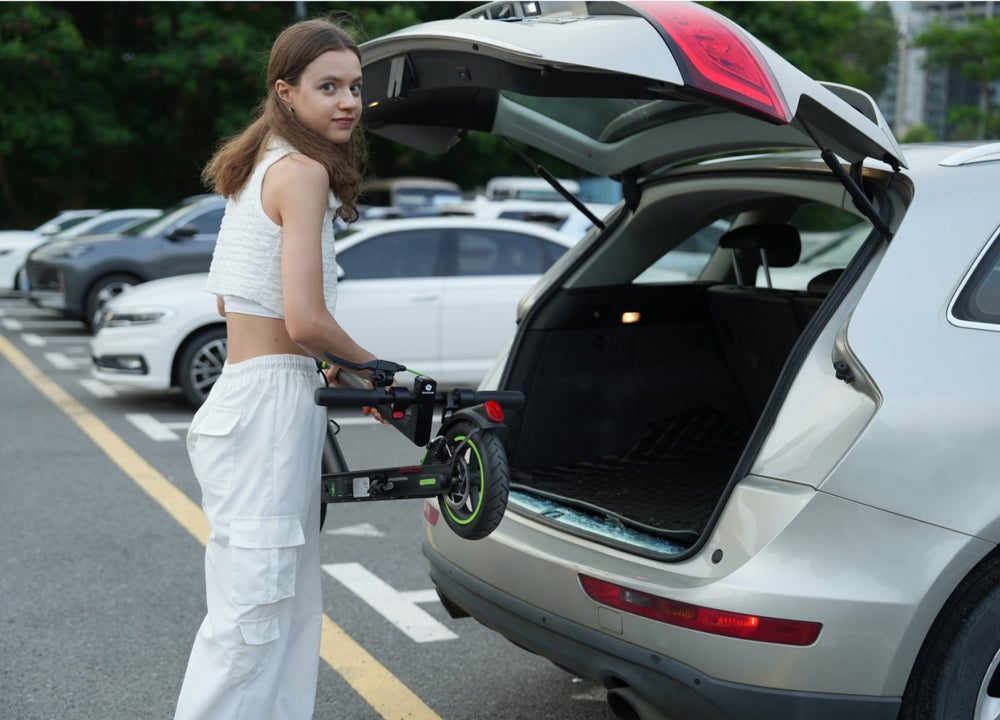
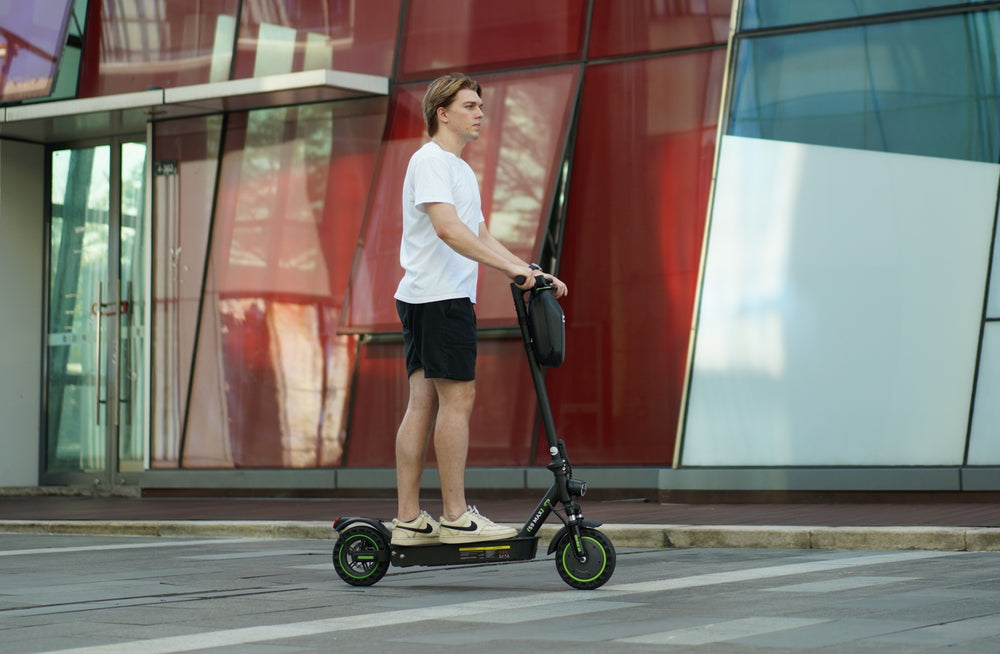
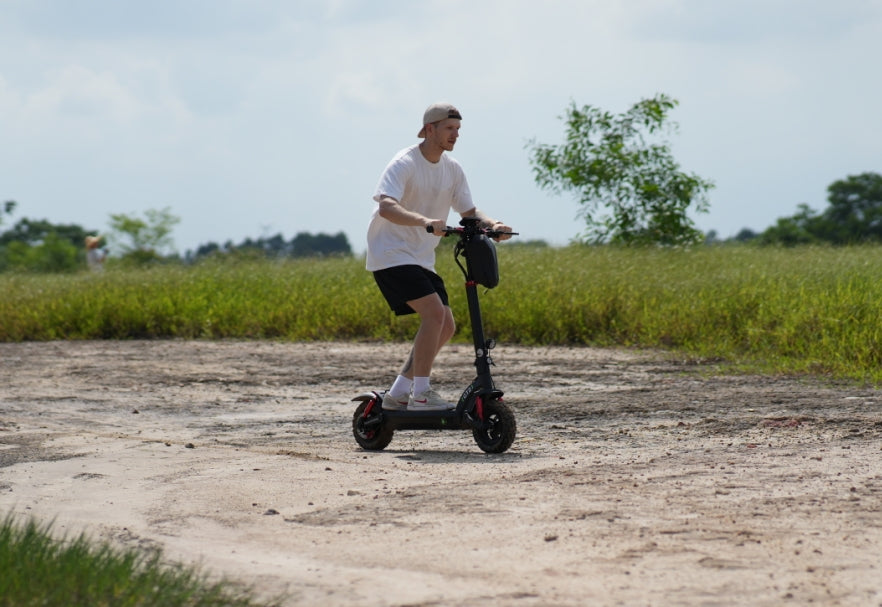
The isinwheel S9 Adult Electric Scooter shows what a well designed app can add. It weighs only 11.3 kg and folds quickly, so it fits easily in a hallway, a car boot or a small flat. The key specs are:
- Motor: 350W, with a 500W peak and a 20% hill climbing gradient
- Battery: 190Wh, with up to 15.5 miles of range and a 3 to 4 hour charge
- Top speed: 15.5 mph, split across three modes (3.7, 9.3 and 15.5 mph)
- Ride comfort: 8.5 inch pneumatic tyres and an aluminium alloy frame
- Safety: EBAS electronic brake, rear drum brake, IP54 water resistance and an illuminated deck
Once paired, the S9 gives you an app scooter lock that stops the motor if someone tries to move it without your say so. Trip tracking records your distance and speed, so you can look back over each ride afterwards. The App Store listing also mentions destination locating and route planning, which lets the app double as a light electric scooter navigation app on private land. Features can vary by model and app version, so check what your own app displays after pairing.
Electric Scooter Riding Stats and Speed Modes
A Bluetooth connected electric scooter lets you tune the ride to your mood. On the S9, you can switch between the three speed modes from your phone, so you never have to hunt for the right button on the handlebar.
Electric scooter riding stats go well beyond a simple speedometer. You can see total distance, the number of rides and an estimate of your remaining range. That data helps you plan charging and avoid a flat battery far from a socket.
For example, choose the 3.7 mph mode for a gentle lap around a busy shared yard. Save 15.5 mph for open, quiet private ground. Picking the right mode also stretches your battery, which matters on longer rides.
Safety and Compatibility of the Electric Scooter Mobile App
Movement Alerts and the App Scooter Lock
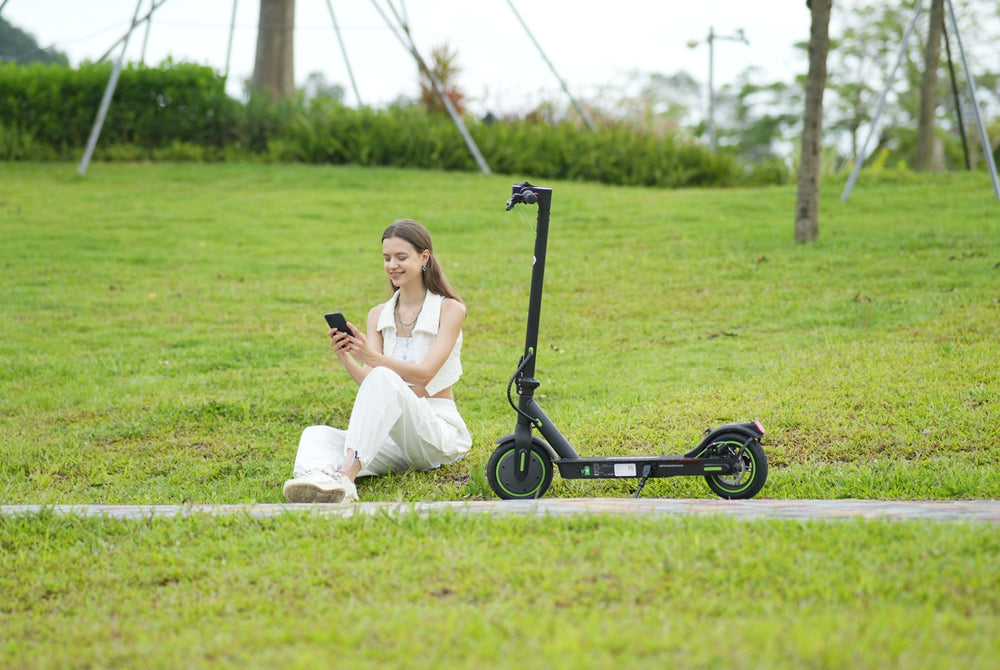
For many owners, the app scooter lock is the most reassuring feature. When you store your S9 in a garage or communal bike store, one tap locks the motor electronically. If someone tries to move it anyway, a movement alert can reach your phone. You know straight away, even when you are indoors or busy elsewhere.
It does not replace a physical lock, though. Pair the app with a sturdy cable lock and you cut the risk of opportunistic theft noticeably. If an electric scooter does go missing, our guide on how to locate an electric scooter explains your options.
Compatibility, Permissions and Software Updates
The isinwheel app runs on recent iPhones and Android phones. The App Store listing asks for iOS 13 or later. To enjoy every feature without interruptions, keep both the app and your electric scooter firmware up to date.
Updates often fix connection bugs and can improve the stability of the lock. During setup, the app asks for Bluetooth and location permissions, so review them and the privacy policy to make sure you are comfortable with what you share. Whether you own an S9 or another isinwheel model, staying up to date keeps the experience smooth long after the day you buy.
Is the isinwheel Connected Electric Scooter App Worth Using?
A connected electric scooter app makes a folding ride feel smarter. You get remote locking, trip tracking and clear riding stats without carrying any extra gadget. Paired with the isinwheel S9 Adult Electric Scooter, which starts at £198.99 including VAT and free UK delivery, you also get 15.5 miles of range, three speed modes and an 11.3 kg frame. It comes with a 24 month warranty and a 30 day return window.
Setup takes minutes, and the everyday benefits show up straight away. You worry less about theft, plan charging better and control how you ride. Please keep your rides to private land and lock up after every session. If you are still comparing models, our best electric scooter buying guide is a good next step, and the S9 page is a friendly place to start.
FAQ
Does the isinwheel app work on iPhone and Android?
Yes. The isinwheel app is free to download from the App Store for iPhone and from Google Play for Android. Both versions offer the same core features, although what you see can vary slightly by phone and electric scooter model.
Can I lock my isinwheel S9 remotely if I forget?
Yes. Open the app and activate the lock, and the motor stops straight away. The connection runs over Bluetooth, so keep your phone within range of the electric scooter. If someone moves it afterwards, you can receive a movement alert.
Does the app need a permanent Bluetooth connection while I ride?
No. Your electric scooter works normally without an active connection. Bluetooth matters most for pairing, viewing live data, checking your stats after a ride and using features such as the lock.
Is the isinwheel app paid?
No. The app is free to download and use. You do not need a subscription for locking, trip tracking or riding stats.





















Leave a comment